
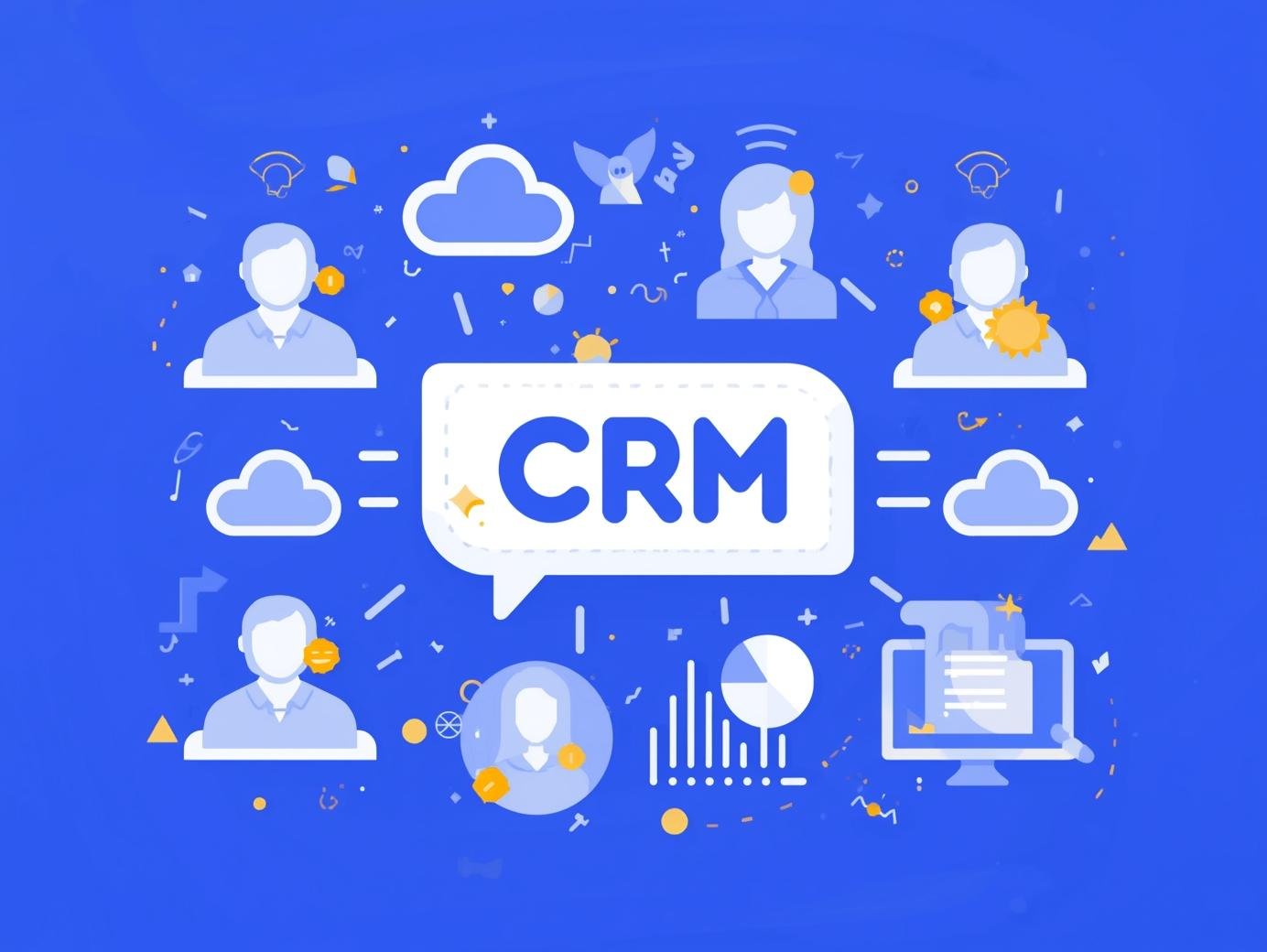
CRM platforms (Customer Relationship Management or Client Relationship Management) are databases that store all your customer information in one place. Contact details, email history, phone calls, purchases, notes – everything.
Instead of digging through spreadsheets, sticky notes, and your inbox to remember who you talked to last Tuesday, it’s all right there.
The problem it solves: You stop losing track of customers and forgetting to follow up on sales.
What CRM Platforms Actually Do
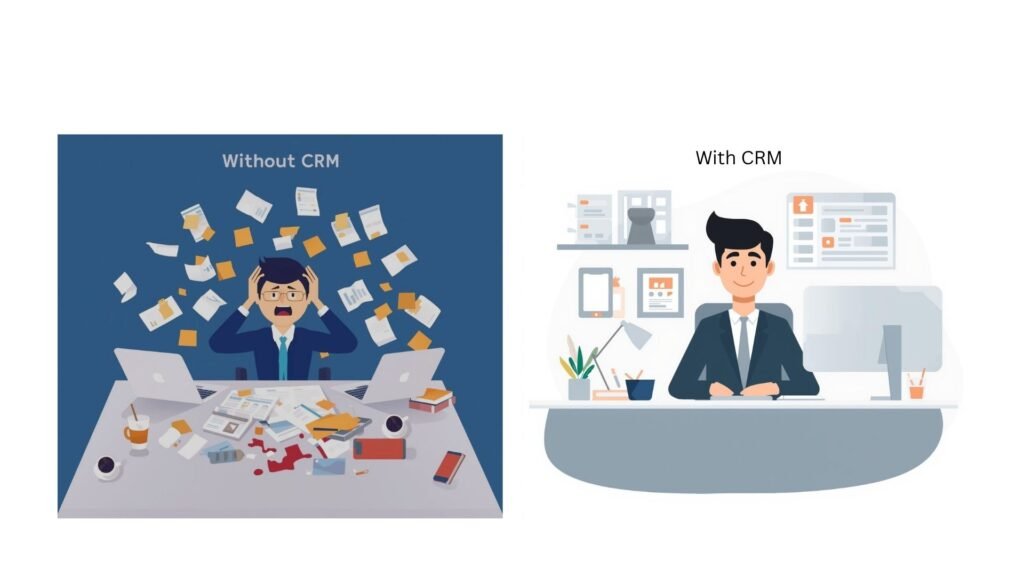
Here are some of the benefits:
- Store contact info – Names, emails, phone numbers, companies, job titles. All searchable in seconds.
- Track every conversation – That call from last month? The email thread? The meeting notes? All attached to the customer’s profile.
- Remind you to follow up – Set a task to call someone next Tuesday, and the CRM will bug you until you do it.
- Show your sales pipeline – See exactly where each deal stands: who’s interested, who’s ready to buy, who went cold.
- Generate reports – Find out which salesperson is crushing it, where leads come from, and what’s actually working.
Think of it as your business’s memory. You’ll never forget a customer again.
What to Look For in a CRM
Not all CRMs are created equal. Here’s what to look for:
- Contact database – This is the foundation. It should let you search, filter, and organize contacts easily. Bonus points if it auto-updates from business cards or email signatures.
- Email tracking – See when someone opens your email, clicks a link, or ignores you completely. Helps you know when to follow up.
- Task automation – The CRM should handle repetitive stuff automatically. Send follow-up emails, update deal stages, assign tasks to team members – all without you lifting a finger.
- Mobile access – You need to check customer info from your phone while you’re out. If the mobile app sucks, the CRM is useless.
- Reporting – Simple dashboards that show: sales this month, conversion rates, where deals are getting stuck. If you need a PhD to read the reports, it’s too complicated.
The Real Payoff
Stop forgetting follow-ups
Your CRM nags you. “Hey, you promised to call Sarah on Friday.” No more “sorry, it slipped my mind” excuses. That alone probably pays for the software.
See everything in one place
Customer calls support three times about the same issue? You’ll know. They mentioned they’re expanding next quarter? It’s in the notes. Your whole team can see the full history before every interaction.
Save hours every week
No more copy-pasting customer info. No more asking “wait, who are you again?” on calls. No more searching through email for that one conversation from March. It adds up fast.
Make smarter decisions
Which marketing campaign actually brings in customers? Which products sell best? Where do deals die in your pipeline? The data tells you, and you can fix what’s broken.
Types of CRM
There are three types, but honestly, most small businesses only care about one:
- Operational CRM – This is what you want. It handles day-to-day stuff: managing contacts, tracking sales, automating tasks. Perfect for small to medium businesses.
- Analytical CRM – For big companies that love data. It analyzes customer behavior patterns and predicts trends. Overkill unless you’re an enterprise.
- Collaborative CRM – Helps different teams (sales, support, marketing) share customer info. Useful if your teams don’t talk to each other.
Bottom line: Start with operational CRM. You can get fancy later.
CRM Platforms worth considering
The Big Names (You’ve Probably Heard Of These):
- Salesforce – Best for: Medium to large companies
Standout feature: You can customize literally everything. Also has thousands of add-ons. Warning: It’s powerful but complex. - Hubspot – Best for: Startups testing CRM (free plan) or funded companies ready to scale
Standout feature: Powerful free tier, but you’ll outgrow it fast. Paid plans get pricey ($15-1,300+/month). - Zoho CRM – Best for: Budget-conscious businesses
Standout feature: AI assistant called Zia predicts which deals will close and suggests next steps. Tons of features for the price.
Alternatives (The Hidden Gems):
- Pipedrive – Best for: Sales focused teams
Standout feature: Visual pipeline that actually makes sense. No bloat, just what you need. - Capsule CRM – Best for: Solopreneurs and tiny teams
Standout feature: Dead simple interface. You can learn it in 20 minutes. Affordable at $18/user/month. - Streak – Best for: People who live in Gmail
Standout feature: CRM lives inside your inbox. No switching between tabs. Perfect if you’re already Gmail-obsessed.
How to Choose the Right One
Use this checklist:
- Match your business size – Don’t buy enterprise software for a 5-person company. Start simple, upgrade later if needed.
- Check your budget – CRMs range from free to $300+ per user/month. Remember to factor in setup costs and training time, not just the monthly fee.
- List must-have features – What do you actually need? Contact management? Email integration? Mobile app? Make your list before you start shopping.
- Test the interface – Sign up for free trials (most offer them). If you’re confused after 10 minutes of clicking around, move on. Your team won’t use it if it’s frustrating.
Next Steps
Pick 2-3 CRMs from the list above and sign up for free trials. Spend a week getting members of the team actually using each one – add real contacts, track real deals, see how it feels.
The best CRM is the one your team will actually use.
Most platforms offer free trials or free starter plans. Test them with real work, not fake data. You’ll know pretty quickly which one clicks.
Sign Up for our newsletter or get in touch if you have any CRM software you think we need to feature!
This post contains affiliate links. If you click through and make a purchase, we may earn a commission at no additional cost to you. We only recommend products we genuinely believe in.